
Dream journal · AI interpretation
Tell it your dream. Understand it by breakfast.
Speak even a fragment when you wake up. Dream Ember writes it down and gives you a personal reading in about a minute.
Scan to get it
on your iPhone
Free to start · 7 days of Glow free on Annual
No account. Your journal stays on your phone.
Start with yours
What did you dream?
Tap one and see how a reading starts.
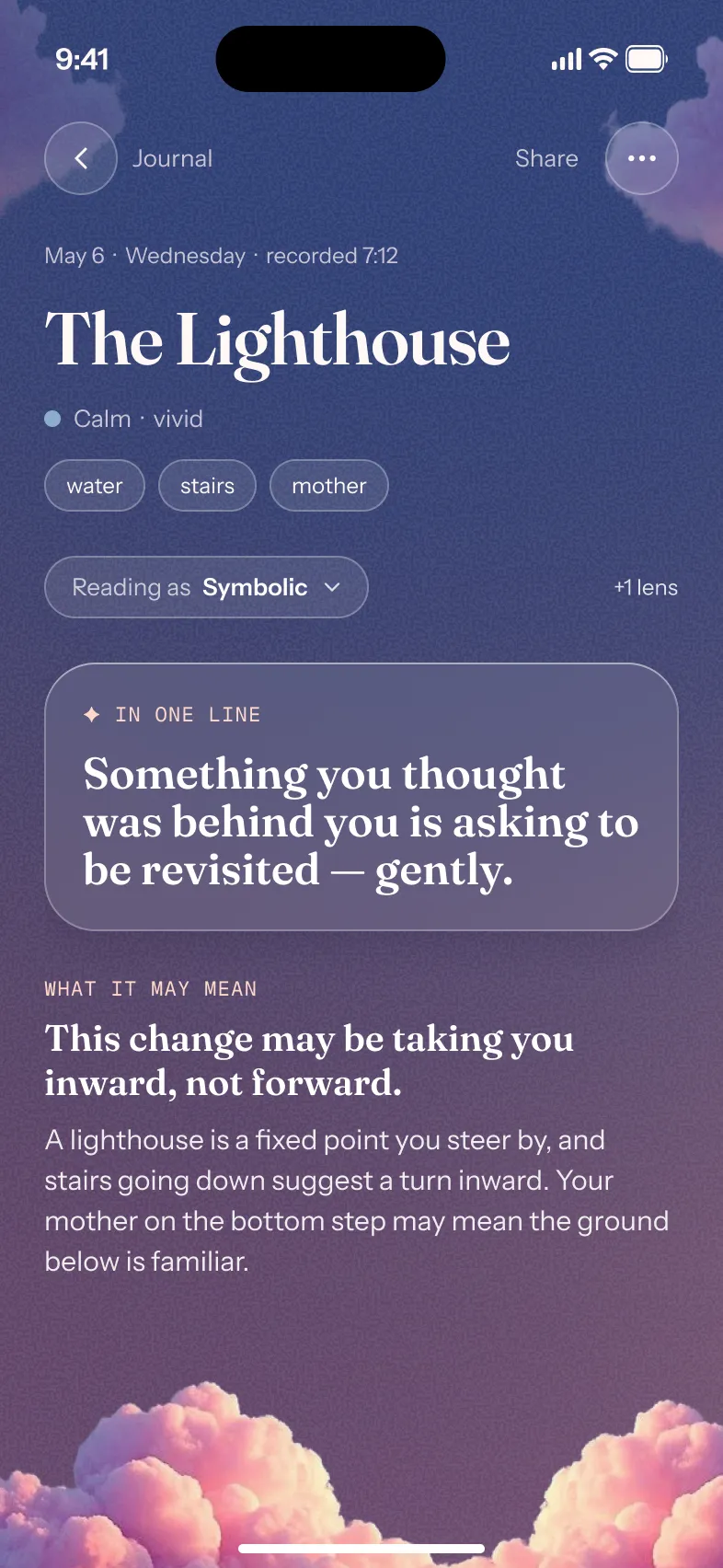
In one line
Part of you may be worried about how you come across right now.
What it may mean
Teeth often show up when how you look or speak feels at stake. Losing them can point to a change you don’t feel in control of.
More about teeth dreamsIn one line
Something you don’t quite trust may be closer than you’d like.
What it may mean
Snakes often arrive with a threat you can sense but not name. They can also mark a change that sheds an old skin.
In one line
You may be outrunning something that wants your attention.
What it may mean
What chases you is often what you have been putting off. The dream tends to ease when you turn and look at it.
In one line
Your feelings may be running deeper than you’ve let on.
What it may mean
Water tends to carry emotion. Calm or rising, clear or dark: its state can mirror how much you are holding.
In one line
Something may feel like it is slipping out of your hands.
What it may mean
Falling often comes when support feels uncertain: a job, a person, a plan. The moment before landing is the one to notice.
In one line
A part of your past may have something unfinished to say.
What it may mean
An ex is rarely about the person. They can stand for who you were then, or for a feeling you haven’t had since.
In one line
You may feel tested on something you don’t feel ready for.
What it may mean
Exam dreams tend to visit when you are being measured, even years after school. The unprepared feeling is the point.
In one line
You may be discovering a part of yourself you hadn’t looked at.
What it may mean
A house often stands for you. New rooms can point to something unused; a room in disrepair, to something neglected.
A sample. Your reading is written from your own dream.
Read my own dreamHow it works
Three steps, half asleep
Say what you’ve got. Dream Ember does the rest.
01
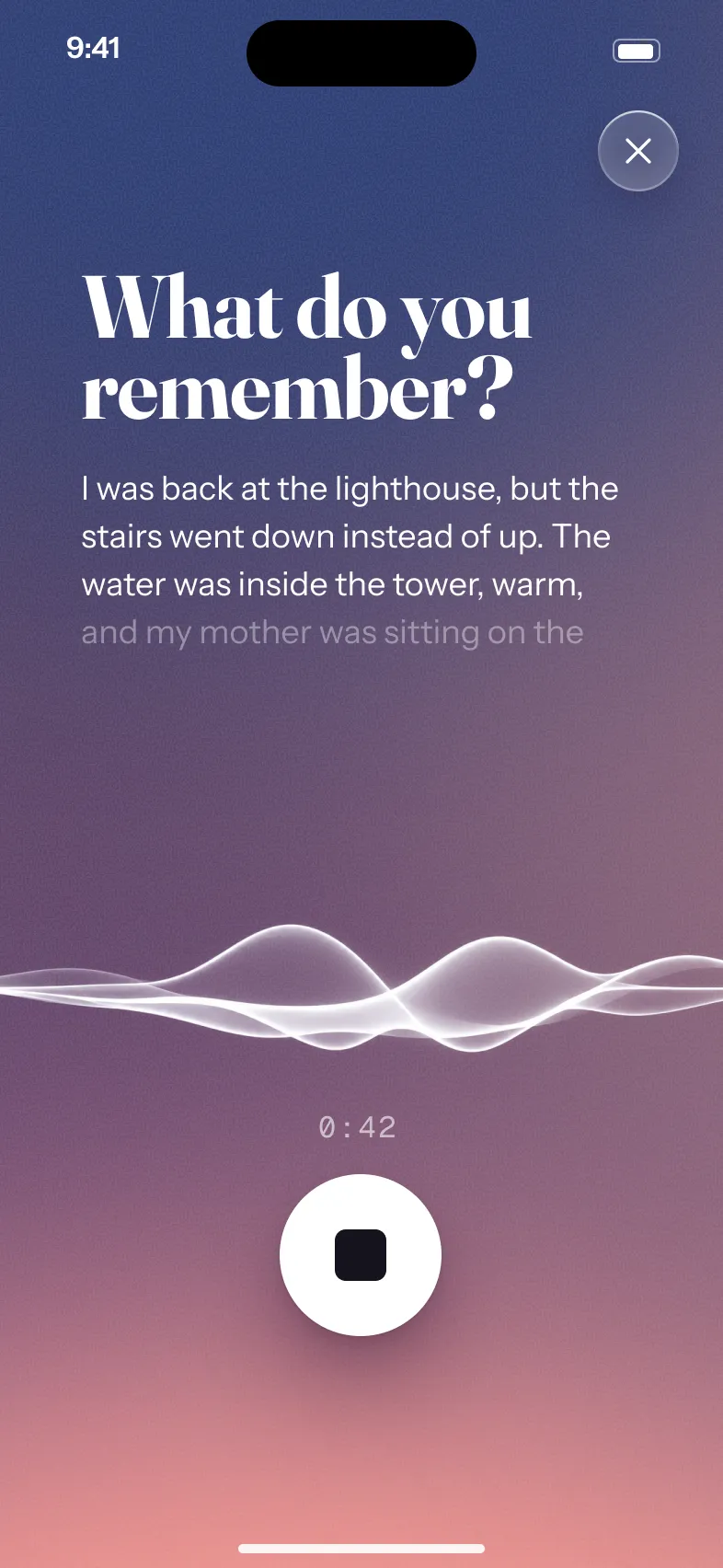
Wake up and speak
Set a gentle alarm, tap Stop, and say what you remember. Your words become text right on the phone. Or type, if someone is asleep beside you.
02
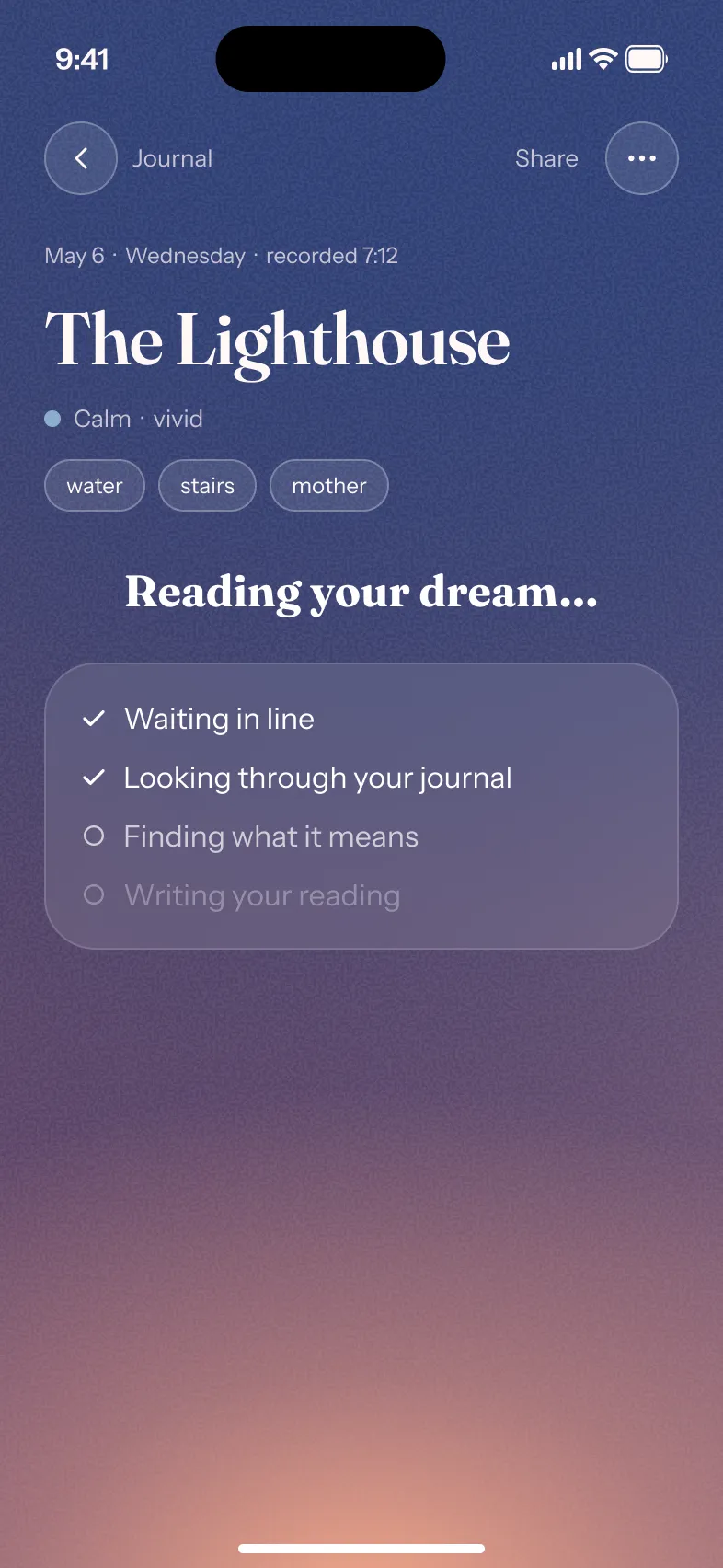
It reads your dream
Symbols, people and feelings fill in while you wait. A reading takes about a minute.
03
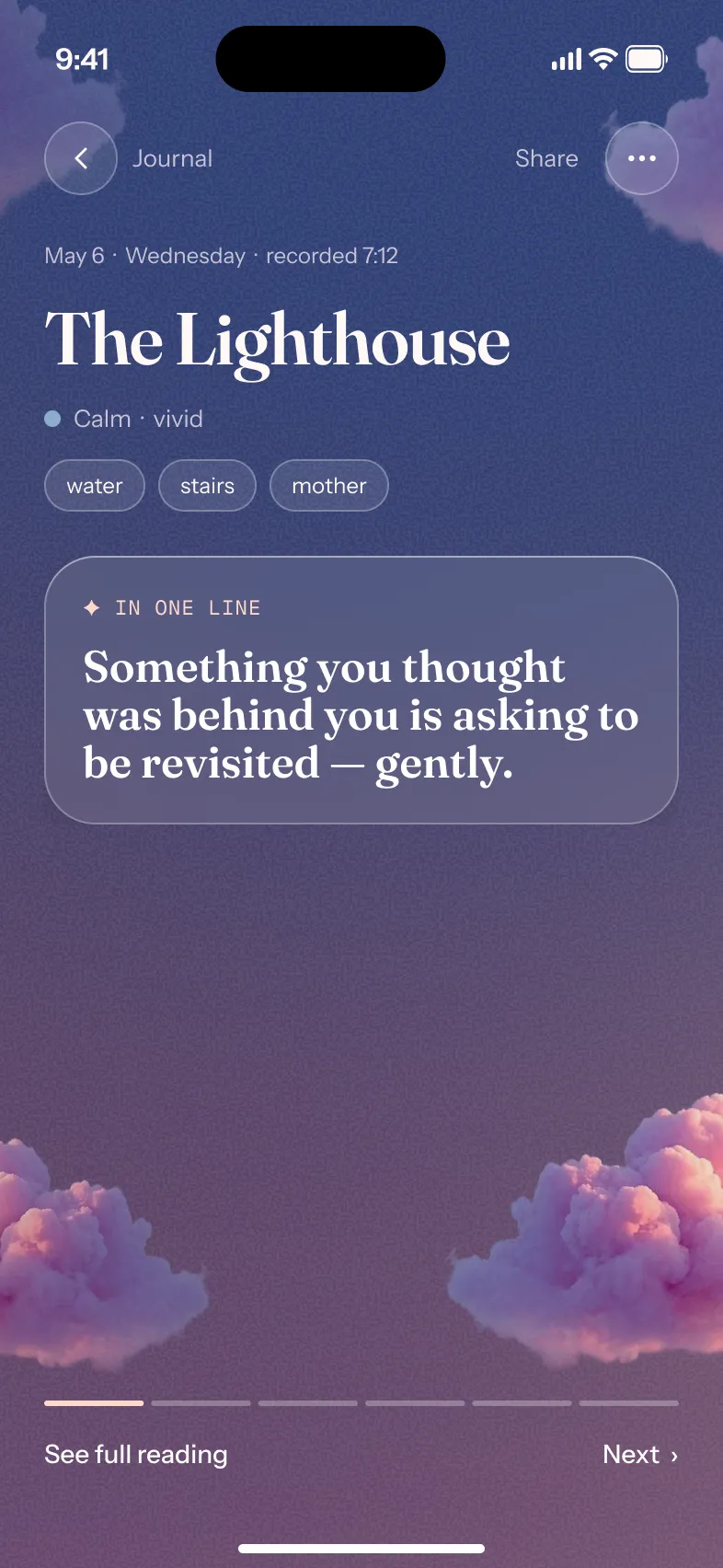
Your reading, kept
What it may mean, in one line and in full, saved to a journal you can search years later.

Dream Ember Glow
Read the rest of every dream
Free gives you a short reading. Glow opens all of it.
Every section
Every section of every reading
The emotional core, the link to your waking life, and questions to sit with.
- Emotional core
- Waking-life link
- Questions
Five lenses
Read any dream through another lens
The same dream, read five ways. Each reading is kept.
- Psychoanalytic
- Jungian
- Cognitive
- Symbolic
- Spiritual
Every Monday
Your week in dreams, every week
What kept coming back across the week’s dreams, ready each Monday morning.
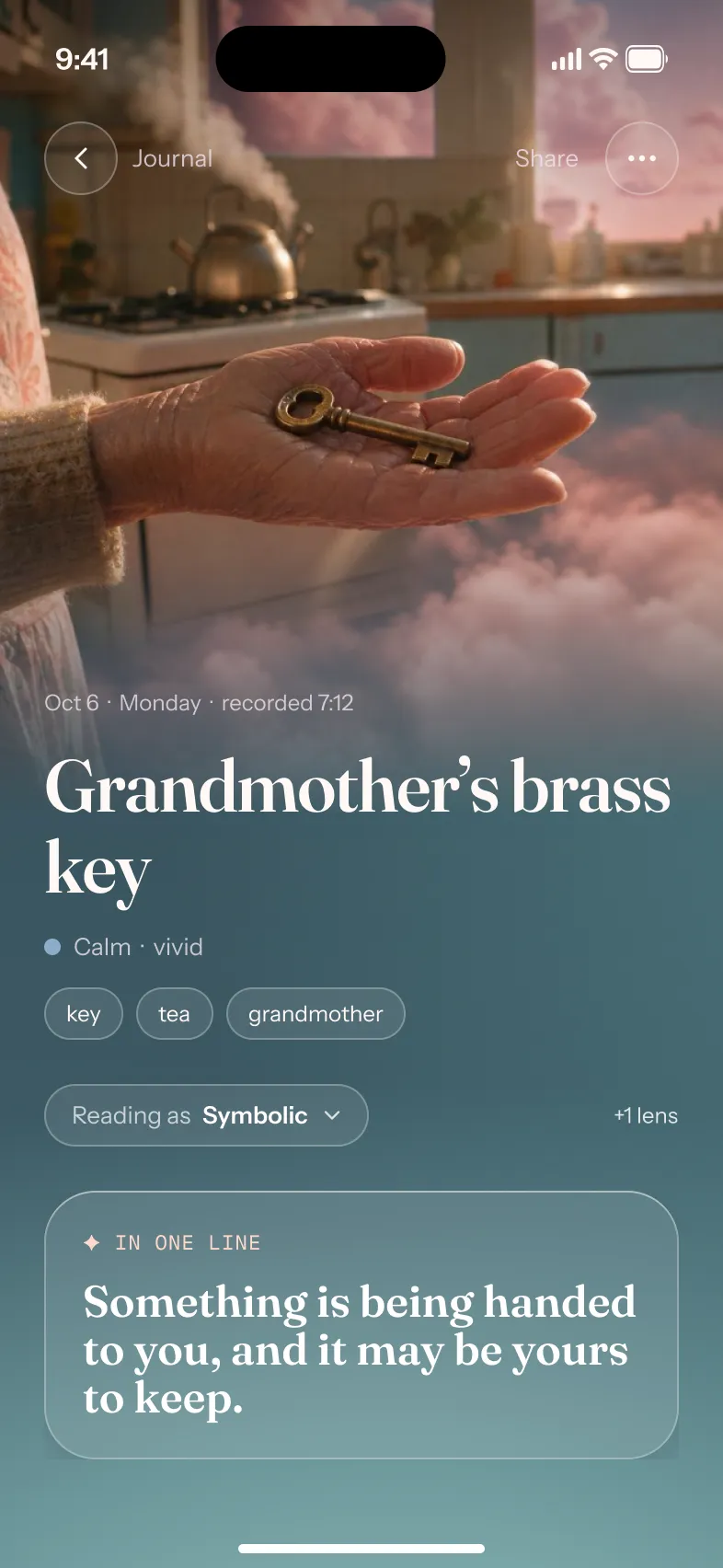
Pictures
A picture of any dream
One picture per dream, lit by the dream’s mood, at the top of its page.
Dream Chapters
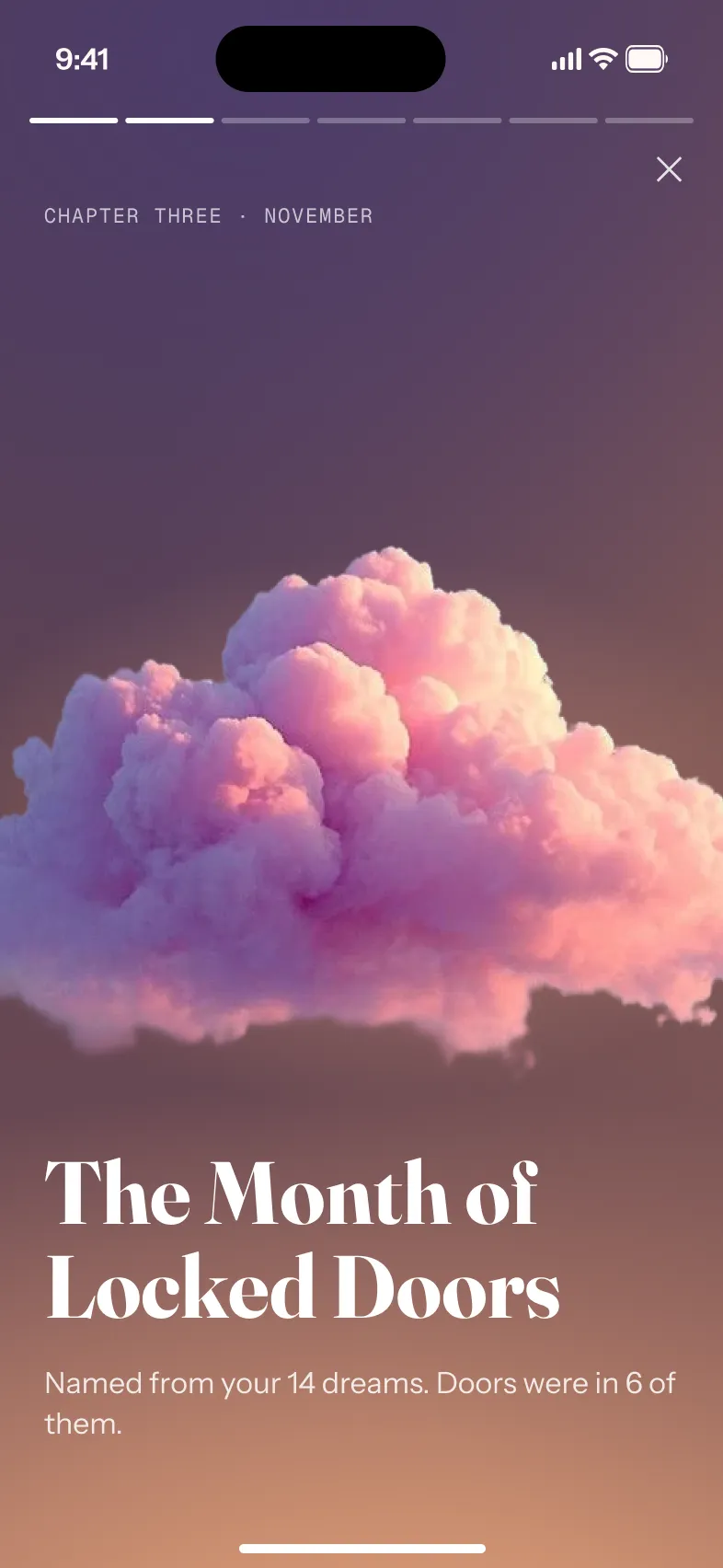
Your dreams, told back as chapters
Every week, month and three months, your dreams come back as a short story you tap through. Each one ends on a card made to share.
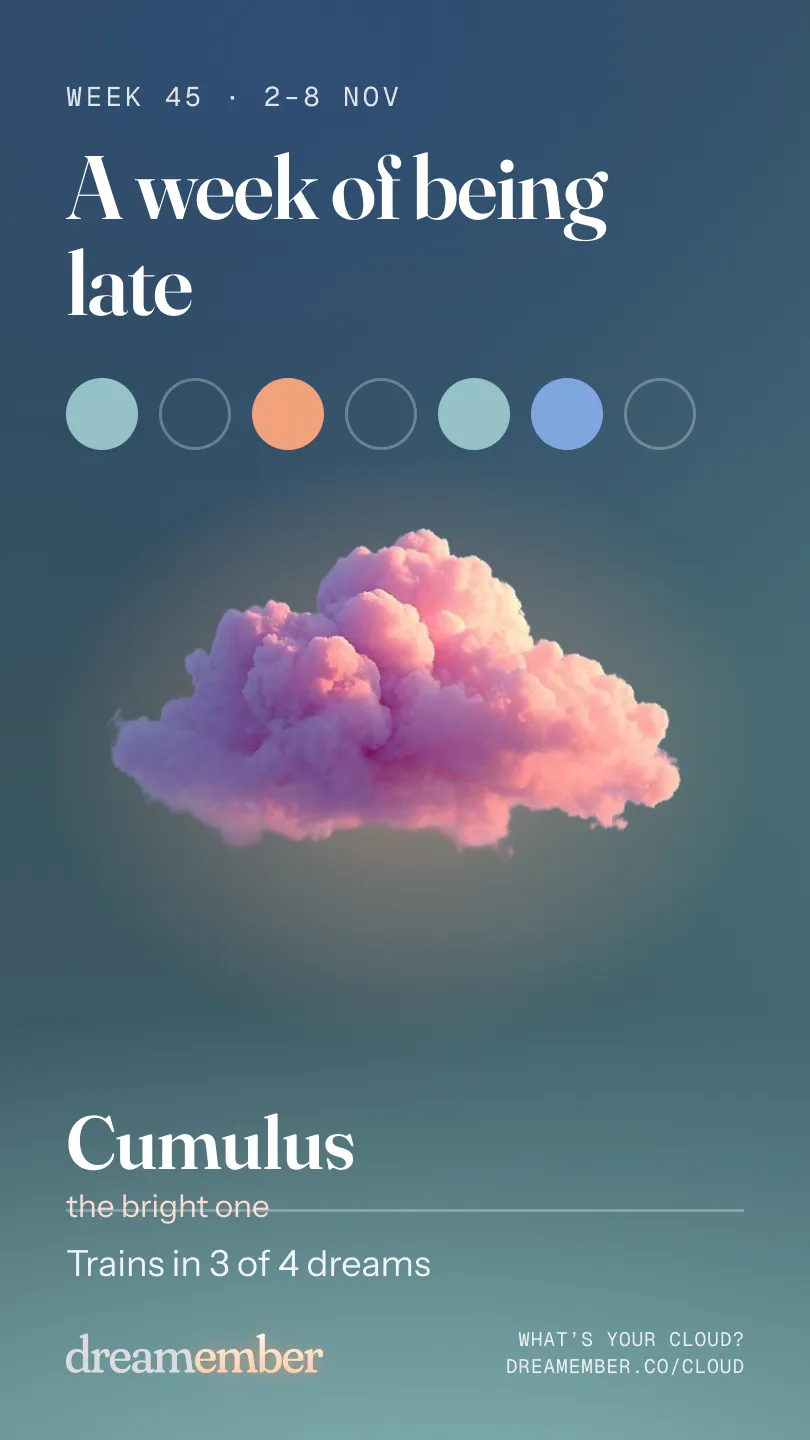
Week
Every Monday morning
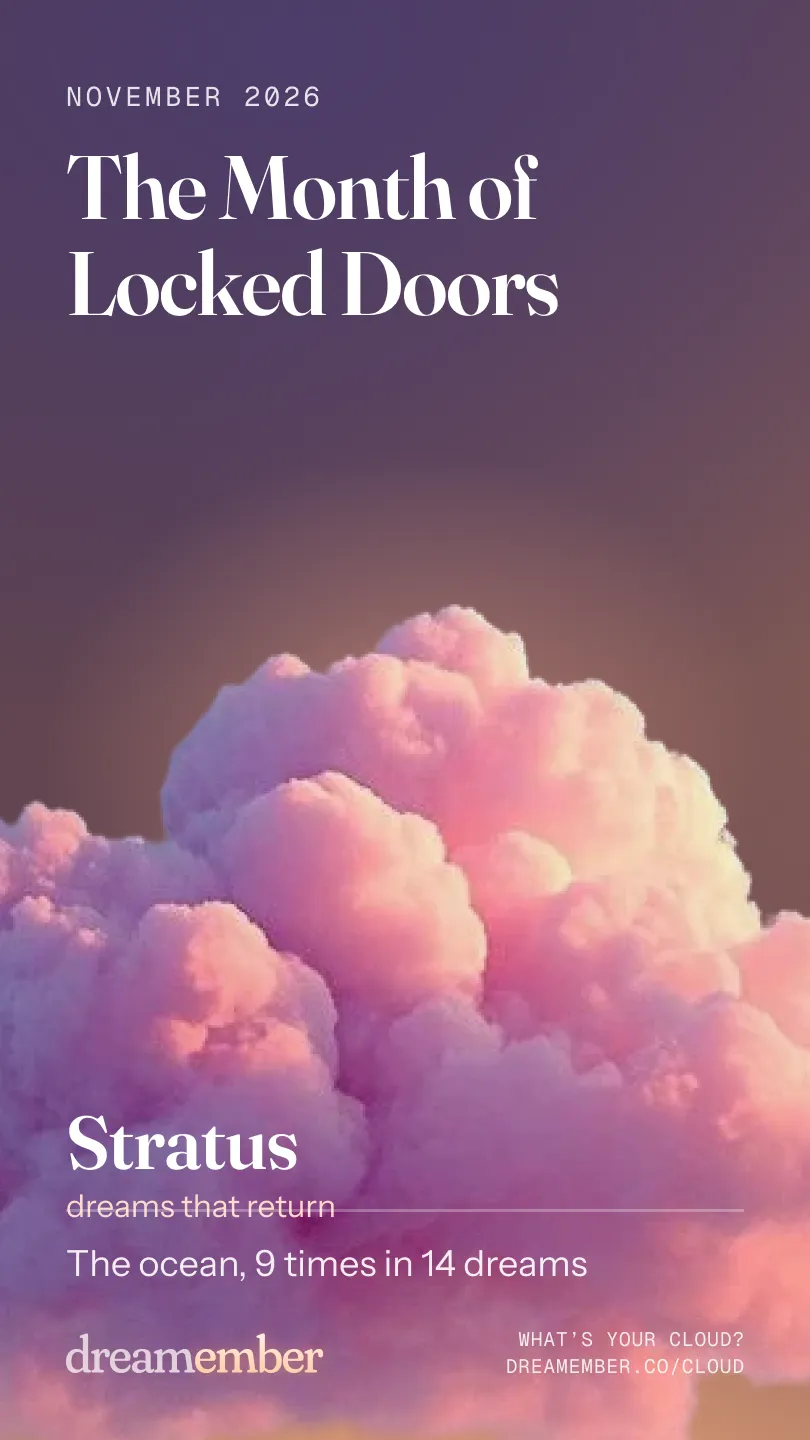
Month
On the first of the month

3 months
Each season, to show what changed
Only the card leaves your phone: a name, your cloud and one counted number. Never a dream’s text or a reading.
- 5
- ways to read a dream
- 13
- languages
- ~1 min
- to your reading
- 0
- accounts to make
Your data
Your dreams stay yours
A dream journal is about as private as writing gets. So the journal lives on your phone, there is no account, and nothing is sent until you say yes.
No account
Dream Ember never asks who you are. No sign-up, no email, no password.
Your voice stays on your phone
Speech becomes text on the device. The recording never leaves it.
Nothing kept on our side
We store no dream and no journal. A finished reading is deleted within a day.
Stays on your phone
- Your journal
- Every dream, in an encrypted database on your phone.
- Your voice and recordings
- Turned into text on the device, and never sent anywhere.
- Your backup
- In your own iCloud, in a container only the app can read. We cannot see it and hold no key to it.
- Your export
- Every dream and every recording as plain files, any time, free.
Sent, only after you agree
- A dream’s text, for its reading
- It goes to OpenAI through our server, with your quiz answers and short summaries of a few earlier dreams it may echo.
- A dream’s text, for search by meaning
- Sent the same way when a dream is saved, and turned into numbers that stay on your phone.
- Never your recording or your name
- And OpenAI does not use any of it to train AI models.
Pricing
Start free. Glow for the rest.
Free
- One short reading a day
- Voice or typed capture
- Journal, search, backup and export
- Your first week in dreams
No account. No card.
Glow
Annual · $49.99 a year
7 days free, then billed yearly
Monthly · $9.99 a month
No trial. Billed every month
- Every section of every reading
- Read any dream through another lens
- Your week in dreams, every week
- A picture of any dream
7 days free, then $49.99 a year. Renews automatically. Cancel any time in Settings. Billed by Apple. US prices.
Questions
Before you ask
Is it accurate?
A reading is one way to look at your dream, not a fact about you. It says what a dream may mean, and you decide what fits.
What if I only remember a fragment?
A fragment is enough. Say what you have: a place, a feeling, one image. The reading is written from that.
What kind of reading do I get?
A one-line takeaway and what the dream may mean, written from your own words. You choose one of five lenses: Psychoanalytic, Jungian, Cognitive, Symbolic or Spiritual.
Who can see my dreams?
Only you. Your journal lives on your phone, with no account. Once you agree, a dream’s text is sent to OpenAI to write its reading and to make it searchable by meaning. Your recording and your name are never sent, and nothing is kept on our side for more than a day.
How do I cancel the trial?
In your iPhone’s Settings, under your Apple Account, then Subscriptions. Cancel at least a day before the 7 days end and you are not charged.
Catch tomorrow’s dream.
Free to start · 7 days of Glow free on Annual
Scan to get it
on your iPhone
No account. Your journal stays on your phone.